
Why attendance and salary cause month-end headaches
In most tailoring shops, attendance is a register at the door and salary is worked out on a calculator on the 1st. Add half days, a karigar who works late through the Diwali rush, another who is paid per blouse and a third who took ₹3,000 advance, and month-end becomes a long evening. Tailor attendance and payroll in VogueDesk puts all of this on one record per person.
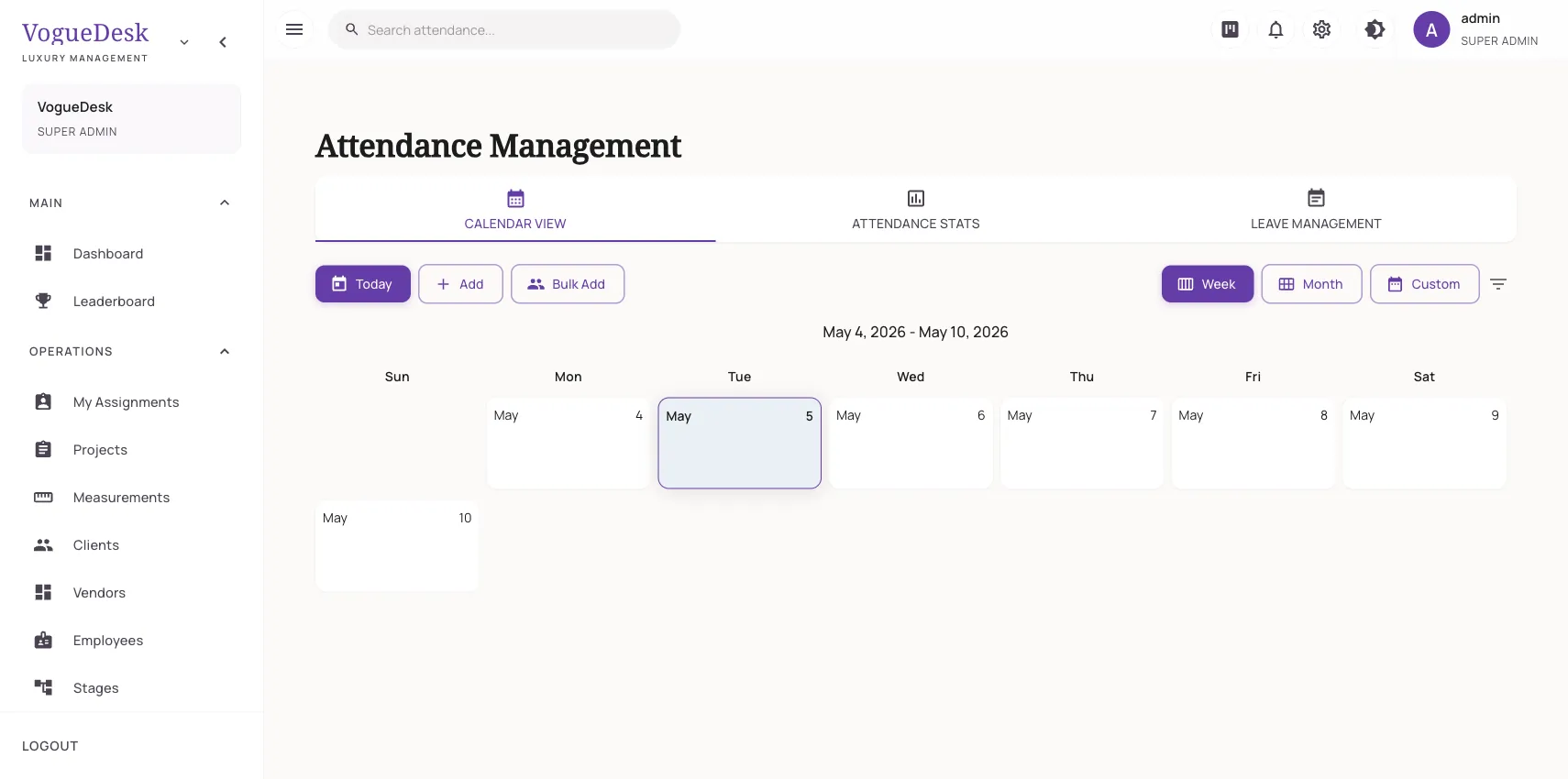
Daily attendance
Each employee can be marked:
- Present
- Absent
- On leave
- Half day
- Work from home, useful for hand-work karigars who take embroidery home
The daily attendance view shows the whole team for the day at a glance.
Biometric machines, no manual entry
If you have a biometric device that uses the iClock protocol, which covers many ZKTeco and eSSL-type machines, it can push check-ins to VogueDesk automatically. Staff punch in as usual and attendance appears without anyone typing it.
Salary that follows the work
Every employee has a salary structure:
| Part | How payroll uses it |
|---|---|
| Basic salary | Paid in proportion to days present in the month |
| Piece rate | Multiplied by the tasks the person completed |
| Overtime rate | Paid for hours worked beyond regular hours |
So a fixed-salary master, a piece-rate karigar and a helper on overtime can all be paid correctly from the same payroll run. Piece-rate pay comes from tasks marked done on the assignments board, which is explained on karigar management.
A simple example
A karigar has a basic salary of ₹12,000, a piece rate of ₹40 and an overtime rate of ₹60 an hour. In a 30-day month she is present 26 days and has 2 half days, so 27 days count. Her basic is ₹10,800. She completed 90 tasks, which adds ₹3,600. Ten hours of overtime add ₹600. Payroll shows ₹15,000 before any other adjustments.
Salary advances
Advances are part of life in a workshop. Record an advance paid to a worker, then adjust it as it is paid back. Each advance shows as pending, partly adjusted or fully adjusted, so nobody has to remember who still owes what.
How it works in VogueDesk
- Add employees with their skills and salary structure.
- Mark attendance daily, or connect your biometric machine.
- Assign work so completed tasks are recorded.
- At month end, generate the payroll run for the month.
- Review the draft, approve it, and mark it paid once salaries are given.
Who it is for
- Workshops paying a mix of fixed and piece-rate karigars.
- Boutiques with a biometric machine whose data sits unused.
- Owners who give salary advances and want a clean record of them.
Salary paid flows into your profit and expense reports. For outside units paid per job rather than per month, see the job work tracker.
Attendance is part of Boutique (₹499/month + GST, 3 logins) and payroll is part of Studio (₹999/month + GST, 10 logins). Every new account gets a 14-day free trial of Studio with no card needed. See pricing.
Frequently asked questions
Which biometric machines work with VogueDesk?
Machines that support the iClock push protocol, which includes many common ZKTeco and eSSL-type devices. Once set up, check-ins are sent to VogueDesk automatically. Check your machine's settings for iClock or ADMS support before buying.
How is a half day counted in salary?
A half day counts as half a present day, and work from home counts as a full day. Basic salary is worked out on the number of days present in the month.
Can I pay some karigars per piece and others a fixed salary?
Yes. Each employee has a salary structure with a basic salary, a piece rate and an overtime rate. Fill in the ones that apply to that person.
Can I record salary advances?
Yes. You can record an advance paid to a worker and then adjust it as it is paid back, so you can see whether it is pending, partly adjusted or fully adjusted.
Can I check and change payroll before paying?
Yes. A payroll run starts as a draft. You review it, approve it and then mark it paid.
Last updated 31 October 2026.