

Why the phone matters
In most tailor shops, the “computer” is the owner’s phone. It sits next to the measuring tape, it takes UPI payments, and it is where every customer’s WhatsApp chat lives. A tailor app has to work there, in a hurry, with a customer standing in front of you.
VogueDesk runs in the phone browser, so there is nothing to download from a store and nothing to update. It works on Android phones, iPhones, tablets and computers, and the same account opens on all of them.
Five minutes at the counter
Here is what a typical booking looks like on the phone:
- Find or add the customer. Type the name. A new customer needs only a name and phone number to start.
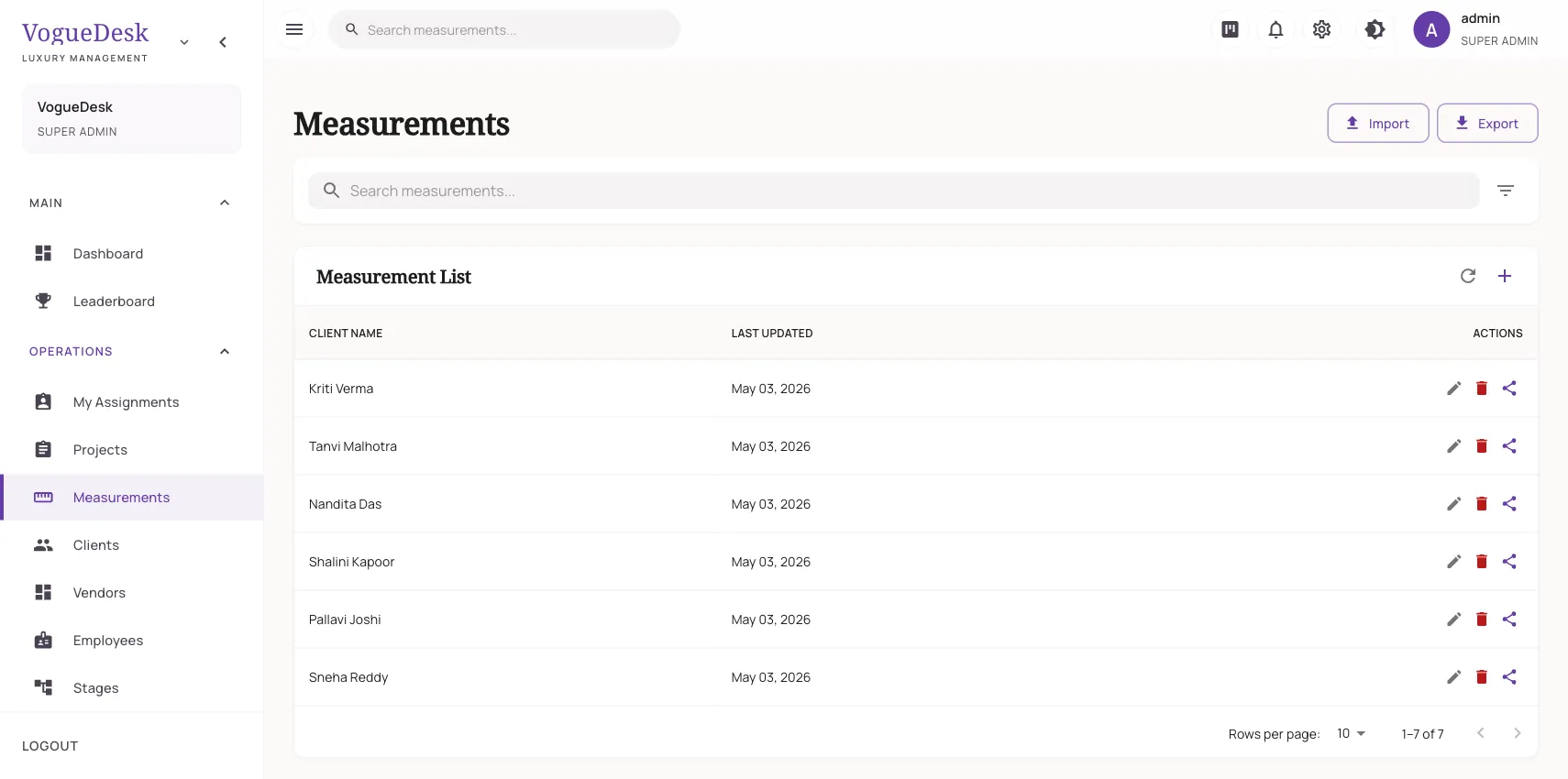
- Measure. Add a measurement set and fill in the fields as you measure: length, chest, waist, shoulder, sleeve and so on. There are about 30 fields, and a notes box for things like “loose fit” or “side pocket”. See the measurement app.
- Book the order. One order can hold several garments, each with its own name and description. Set the delivery date.
- Take the advance. Record it by cash or UPI. It will be deducted on the final bill automatically.
- Share the link. Every order has a tracking link. Send it on WhatsApp and the customer can check progress without calling. See order tracking.
During the day
The phone also runs the rest of the shop:
- Today’s work and the next 30 days of deliveries on the dashboard, so you know what to finish first.
- Status changes with a tap: in progress, ready, delivered.
- Automatic WhatsApp messages when an order is ready or a payment comes in, if you connect your own WhatsApp Business number.
- The galla, to note cash in and out as it happens.
At pickup
When the customer comes back, open the order, mark it delivered and raise the bill. The advance is already taken off. On Boutique and above, the invoice can be a GST invoice with your GSTIN and HSN or SAC codes. Share the invoice link on WhatsApp instead of printing. See boutique billing.
Phone tips from real shop use
- Add VogueDesk to your home screen from the browser menu so it opens like an app.
- Use the notes box for design details instead of separate photos in your gallery.
- Let customers upload their own reference photos through the client portal.
Try it
The Free plan is ₹0 and lets you run the whole flow with one login and 30 orders a month, with unlimited customers. A busy shop will need Boutique at ₹499/month + GST for 3 logins and 300 orders a month, or Studio at ₹999/month for 10 logins and unlimited orders. Every new account gets a 14-day free trial of Studio with no card. See what the free plan includes, or read how a traditional darzi can move off the register.
Frequently asked questions
Which is the best app for tailors?
Look for one that keeps detailed measurements, ties them to orders with delivery dates, records advances and works smoothly on your phone. Try it at the counter for a week with real customers before you decide.
Is VogueDesk on the Play Store?
No. VogueDesk runs in the browser on your Android phone or iPhone. You open it like a website and sign in. You can add it to your home screen from the browser for quick access.
How do I save customer measurements on my phone?
Open the customer, add a measurement set with a name such as "Shirt – Nov 2026", fill the fields you use and save. Next time, the dated set is there to reuse or update.
Can I take payment in the tailor app?
You can record payments by cash, UPI, card, bank transfer or cheque, and collect online through Razorpay. Advances on the order carry onto the final bill.
Can my helper use the app on his phone too?
Yes. Boutique allows 3 logins and Studio allows 10. Each person signs in on their own phone and sees only what their role allows.
Last updated 31 October 2026.