
The owner who is everywhere at once
A boutique owner’s day is split across places. She is at the shop for a trial at 11, at the fabric market at 2, at a client’s house for a bridal consultation at 5. Meanwhile, three karigars are stitching, an embroidery batch is due back, and someone needs to tell a client her blouse is ready.
Without a system, the only way to know what is happening is to call the shop. A boutique app should let you check, decide and move on, from your phone, wherever you are.
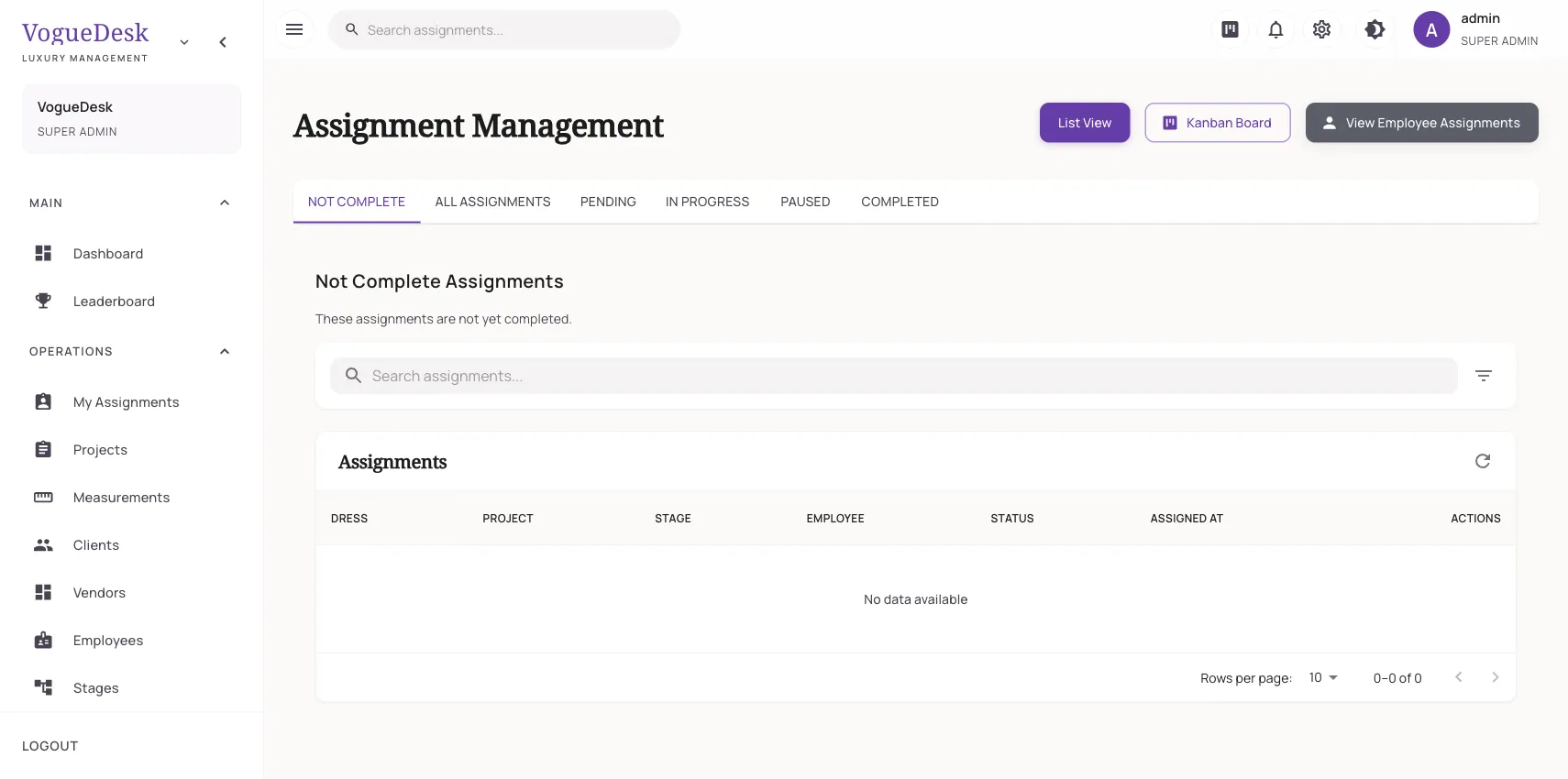
What you see from your phone
Open the dashboard and you get:
- Today’s work across the team
- Upcoming deliveries for the next 30 days
- Pending payments, so you know whom to follow up with
- Analytics and reports when you have a quiet moment
From there, open any order to see each garment’s stage, or the production Gantt chart to see the whole month.
What your team sees on theirs
This is the part that takes the load off you. Each karigar or staff member has their own login:
| Who | What they see and do |
|---|---|
| Karigar | Their own tasks on the assignments board; mark started or done |
| Cutting master | The cutting tasks assigned to them |
| Counter staff | Book orders, take payments, book appointments |
| Contractor | Their own jobs, if you give them a login |
| You (admin) | Everything, including client phone numbers |
Roles and permissions decide who sees what, and you can create custom roles. Read about karigar management.
Keeping the team fair and on time
- Attendance: present, absent, leave, half day, work from home. A biometric machine that uses the iClock protocol, common in ZKTeco and eSSL-type devices, can send check-ins automatically.
- Time tracking with time reports, to see where hours go.
- Piece rates for karigars paid per piece, worked out from the tasks they complete.
- Payroll: salary structures, monthly runs, and salary advances with repayment.
- The leaderboard, which ranks staff on completed work and adds a bit of friendly competition.
More on attendance and payroll.
Clients, handled without you
When you are not at the counter, the system can still talk to clients. With your WhatsApp Business number connected, they get messages when an order is created, ready or delivered, and when a payment is received. Clients can book trials and consultations on your online booking page. See WhatsApp for boutiques and appointment booking.
Plans for a team
Attendance starts on Boutique at ₹499/month + GST (3 logins). Karigar assignments, time tracking and payroll are on Studio at ₹999/month + GST, which allows 10 logins and unlimited orders. Every new account gets a 14-day free trial of Studio with no card. Larger teams or several labels should look at Business or Enterprise. If you work alone from home for now, the home boutique page explains how to start on the Free plan. See pricing.
Frequently asked questions
Which app is best for boutique management?
For an owner with a team, pick an app where staff can see and update their own work, so you are not the only one keeping track. Check it handles measurements, orders, assignments and payments, and that it works well on a phone.
How can I manage my boutique when I am not there?
Give each staff member their own login and tasks, and check the dashboard from your phone for today's work, deliveries due and pending payments. In VogueDesk, karigars mark tasks started or done, so progress shows up without a phone call.
Can my staff see client phone numbers in the app?
No, not unless they have an admin role. VogueDesk shows client phone numbers only to admin roles, and each user sees only what their role allows.
Can I track staff attendance from the boutique app?
Yes. You can mark present, absent, on leave, half day or work from home, or connect a biometric machine that uses the iClock protocol so check-ins arrive automatically.
Is there a boutique app for iPhone?
VogueDesk runs in the browser, so it works on iPhone as well as Android, tablets and computers. It is not a store app.
Last updated 31 October 2026.