

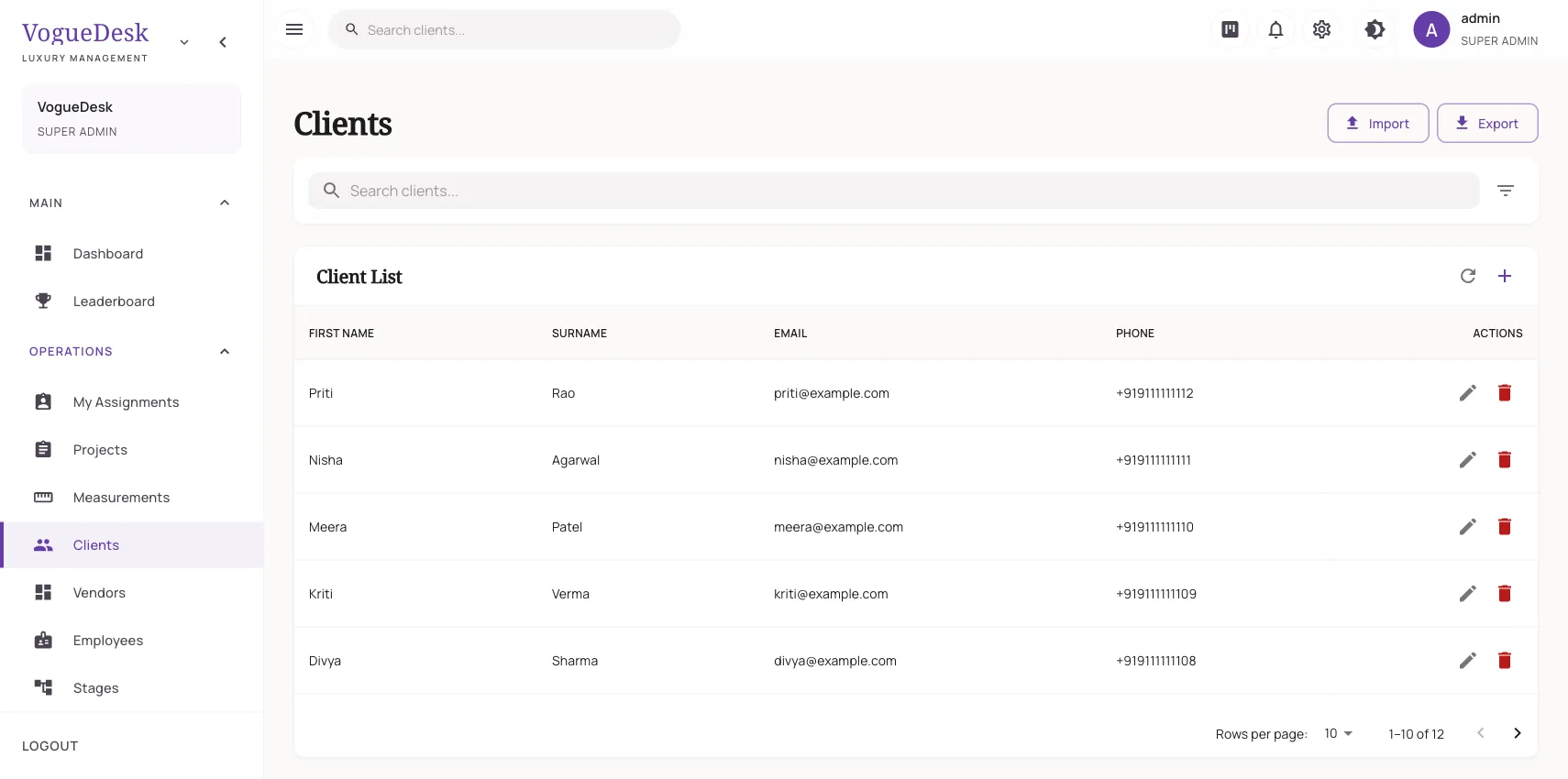
What a boutique CRM should do
CRM sounds like big-company software, but for a boutique it means something simple: when a client walks in or calls, you know who she is, what she ordered last time, her sizes, whether she has paid, and anything special about her. A boutique CRM replaces the client diary, the contact list on the owner’s phone and the memory of your senior master with one shared record.
One profile per client
| In the profile | Why it helps |
|---|---|
| Phone, email, address | Reach her and bill her correctly |
| Notes | “Prefers deep back neck”, “Allergic to some dyes”, “Husband picks up” |
| Shipping address with map pin | Home delivery without asking for directions |
| Measurement sets | Every set, named and dated |
| Order history | What she ordered, when, and how it went |
| Account statement | Her invoices and payments in one list |
When a regular comes in before Diwali and says “same as last year”, you can open last year’s order and measurements in seconds.
Privacy inside your own team
Client phone numbers are visible only to admin roles. Karigars and other staff can see the orders and measurements they need without seeing personal numbers. Roles and permissions decide what each person can open, and you can create custom roles for your setup.
Let clients serve themselves
Through the client portal, a client signs in with a magic link sent to her phone or email. No password to forget. She sees her orders and how far along they are, and she can upload reference photos and videos, like the Instagram look she wants copied or a picture of her saree for a matching blouse.
She can also book fittings and trials herself on your online booking page.
How it works in VogueDesk
- Add a client at the counter with her name and phone, or import your list.
- Take her measurements and save them as a named set.
- Book orders against her profile.
- Add notes as you learn her preferences.
- Open her profile any time to see history, dues and loyalty points.
Keep regulars coming back
Your best marketing is a happy regular. VogueDesk helps you keep them close:
- Loyalty points and tiers reward repeat spending. See the loyalty program.
- Referral tracking records which client sent you a new one.
- WhatsApp updates keep her informed without you typing. See WhatsApp for boutiques.
Bringing your old records across
If your clients are in an Excel sheet (saved as CSV), Tally, Zoho Books or Odoo, you can import them instead of retyping. See import from Tally and Excel.
Who it is for
- Boutiques with many repeat clients who expect to be remembered.
- Shops with several staff at the counter who all need the same information.
- Owners worried about client data leaving with a staff member.
Clients are unlimited on every plan. The Free plan (₹0) gives one login and 30 orders a month, paid plans start at ₹499/month + GST, and every new account gets a 14-day free trial of Studio. See pricing.
Frequently asked questions
What does a client profile in VogueDesk contain?
Name, phone, email, address, notes, a shipping address with a map pin, her measurement sets, her orders and her billing history, including an account statement of invoices and payments.
Can I stop staff from seeing client phone numbers?
Yes. Client phone numbers are visible only to admin roles, so karigars and other staff can work on orders without seeing them.
Can clients see their own orders?
Yes. Through the client portal, a client signs in with a magic link sent to her phone or email, sees her orders and their progress, and can upload reference photos.
Can I bring in my existing client list?
Yes. You can import clients from an Excel sheet saved as CSV, or from Tally, Zoho Books or Odoo exports.
How many clients can I store?
Clients are unlimited on every plan, including Free.
Last updated 31 October 2026.