
The problem with managing karigars by memory
Ask any boutique owner what takes most of their day and the answer is often the same: following up. Which blouse is with which karigar? Has the cutting been done for the Sharma order? Why is the lehenga still at finishing? Karigar management software answers those questions on a screen so you are not walking around the workshop asking.
Assign work stage by stage
In VogueDesk every garment moves through the production stages you set up, for example cutting, stitching, embroidery, finishing and ironing. Each stage of each garment can be assigned to one employee. So the cutting master gets the cutting, one karigar gets the blouse stitching, and another handles the hand work.
That means you always know two things: who has the garment right now, and what is left before it is ready.
A board each karigar can use
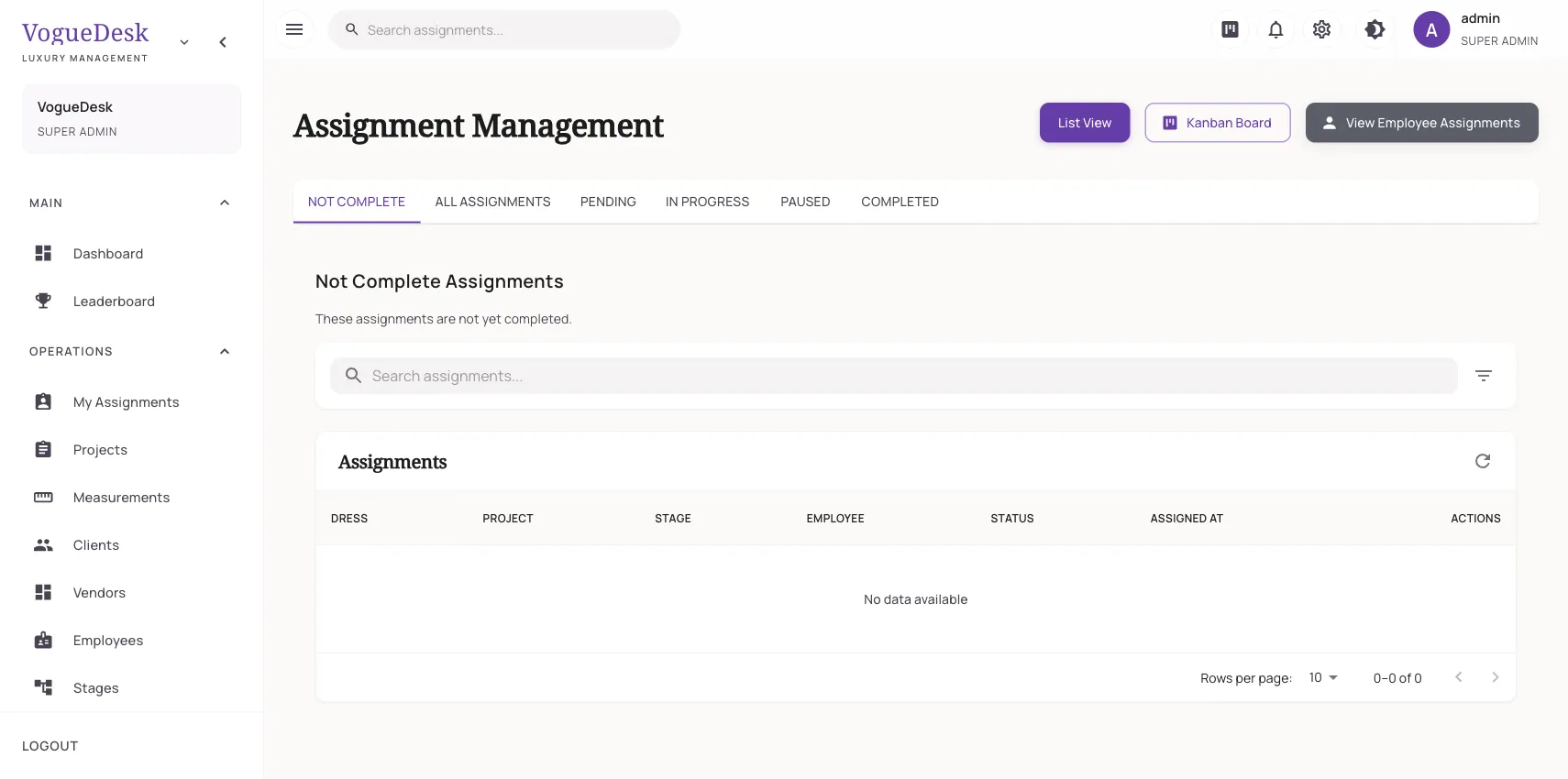
Assignments appear on a Kanban-style board. Karigars open it on their phone, see the tasks waiting for them, and mark each one started or done. When a karigar marks a task done, the garment is ready for the next stage and the next person can pick it up.
As tasks are started and finished, VogueDesk records time entries. Time reports then show how long work actually takes, by person and by task, which helps you quote realistic delivery dates.
How it works in VogueDesk
- Add your karigars as employees with their skills, for example cutting, machine work or embroidery.
- Set up the production stages your workshop uses.
- When an order comes in, assign each garment’s stages to the right person.
- Karigars mark tasks started and done from their own login.
- Check the board and time reports to see what is moving and what is stuck.
Leaderboard for friendly competition
The leaderboard is a staff dashboard that ranks employees on the work they have completed. It gives good workers the recognition they deserve and makes it easy for you to see who can take on an urgent order in the Diwali rush.
Pay linked to real work
Because finished tasks are recorded, payroll can use them. A karigar’s salary structure can have a basic salary, a piece rate, an overtime rate or a mix. When you run monthly payroll, the piece-rate part is worked out from the work they completed. More on that in attendance and payroll.
Who it is for
- Workshops with 3 or more karigars, where the owner can no longer track everything by eye.
- Boutiques with a cutting master and separate stitching staff, where garments pass between hands.
- Owners who are not always at the shop and want to see progress from home.
If a lot of your work goes to outside embroidery, dyeing or adda units, combine this with the job work tracker. For practical advice on running a team, read our guide to managing karigars.
Plans
Assignments and time tracking are part of Studio (₹999/month + GST, 10 logins), and every new account gets a 14-day free trial of Studio with no card needed. Larger teams can move to Business (25 logins) or talk to us about Enterprise. See pricing.
Frequently asked questions
Can karigars see only their own work?
Yes. Each employee signs in and sees the tasks assigned to them. Roles and permissions control what else they can see, so a karigar does not see client phone numbers or your billing.
Do karigars need a smartphone?
To mark their own tasks started or done, a karigar needs a phone, tablet or shared shop computer with a browser. If someone does not use a phone, a supervisor can update their tasks for them.
Can I pay karigars per piece?
Yes. Each karigar's salary structure can include a piece rate, and payroll multiplies it by the work they completed in the month, alongside any basic salary and overtime.
How does the leaderboard work?
The leaderboard ranks your staff on completed work. Many owners use it to spot their fastest hands and to keep friendly competition going during the wedding season.
What about work I send outside, like embroidery units?
Outside workers are handled as contractors with their own jobs, prices and send-out and receive tracking. See the job work tracker page for details.
Last updated 31 October 2026.